Bulk CSV Enrolment & Scheduled Notifications
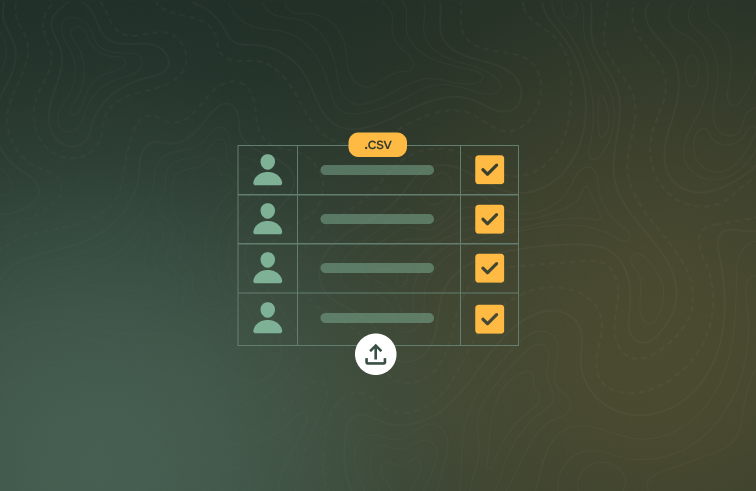
This update headlines bulk enrolment via CSV upload, alongside a new scheduled notifications settings page, corporate booking archiving, self-service account email changes and smarter quiz marking.
What's new
Bulk enrolment via CSV upload
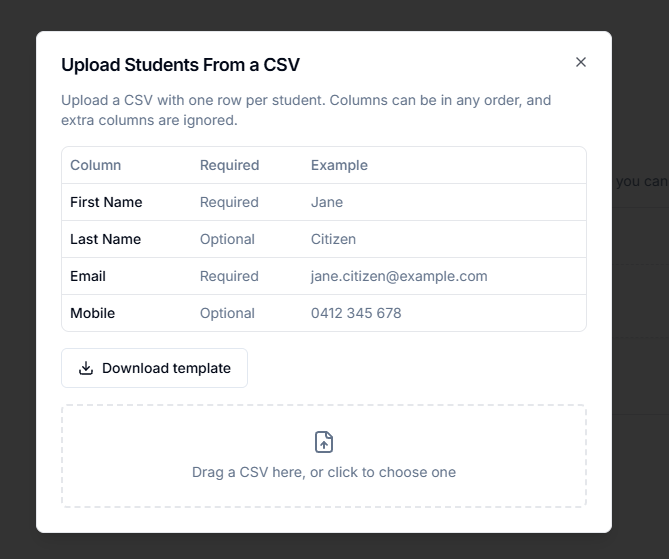
Administrators and Coordinators can now upload a CSV of students when building a bulk enrolment, instead of entering each student by hand. Only first name and email are required (last name and mobile are optional), and common column headings are recognised automatically.
Automated notifications settings
A new Automated notifications tab in Settings shows every automated email and SMS sent on your organisation's behalf across the enrolment lifecycle.
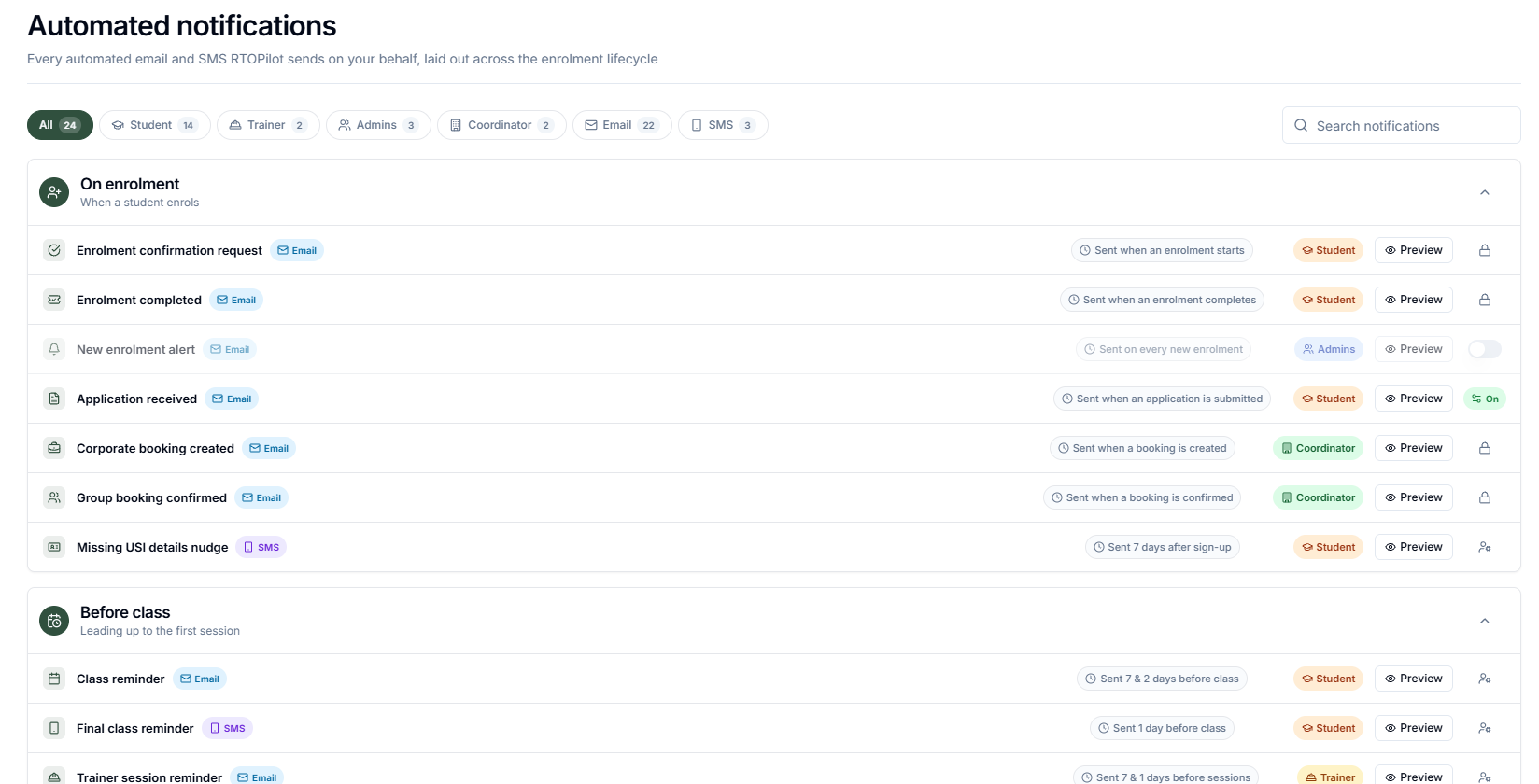
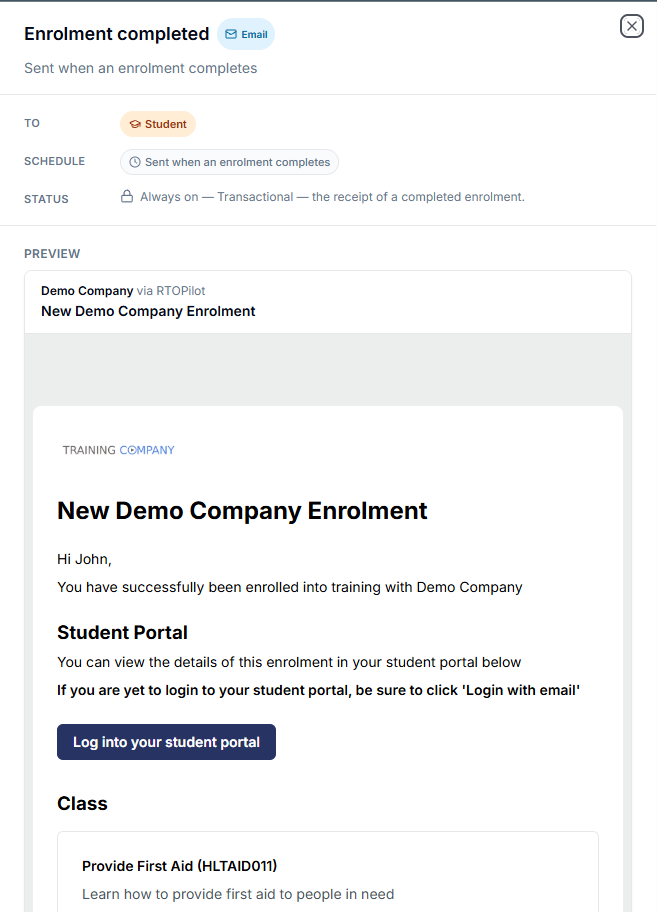
Administrators can search the list, filter by role, preview each message rendered with the organisation's own branding, and manage the available notification toggles in one place.
Corporate booking archiving
Corporate bookings can now be archived once they are completed. Archived bookings remain available as historical records — invoicing, marking and certificates keep working — while new enrolments, edits and class requests are closed off, with clear notices shown on coordinator and public pages.
Change your account email
All users can now change their email address associated with their account themselves. The change must be confirmed with account password and email access.
Smarter quiz answer marking
Free-text quiz answers are no longer marked wrong over formatting: answers like $100 and 100, 30.00 and 30, or 900g and 900 are treated as the same. Trainers can also switch on spelling tolerance per quiz, which forgives a single-character typo in longer words when spelling is not what's being assessed.
Improvements
MFA backup codes are now longer and harder to guess, and entering one works regardless of case or spacing.
Better screen reader support in quizzes: question prompts are now announced together with their answer fields.