New Onboarding
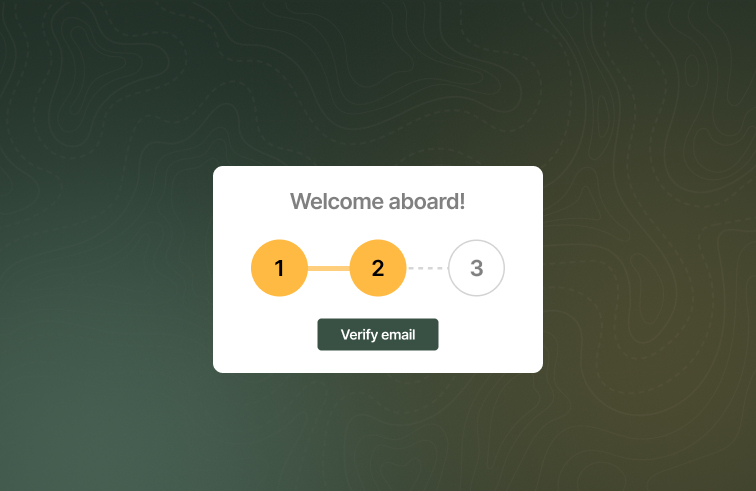
Setting up a new organisation is quicker and clearer. Adding a partner organisation is simpler too.
What's new
A new onboarding
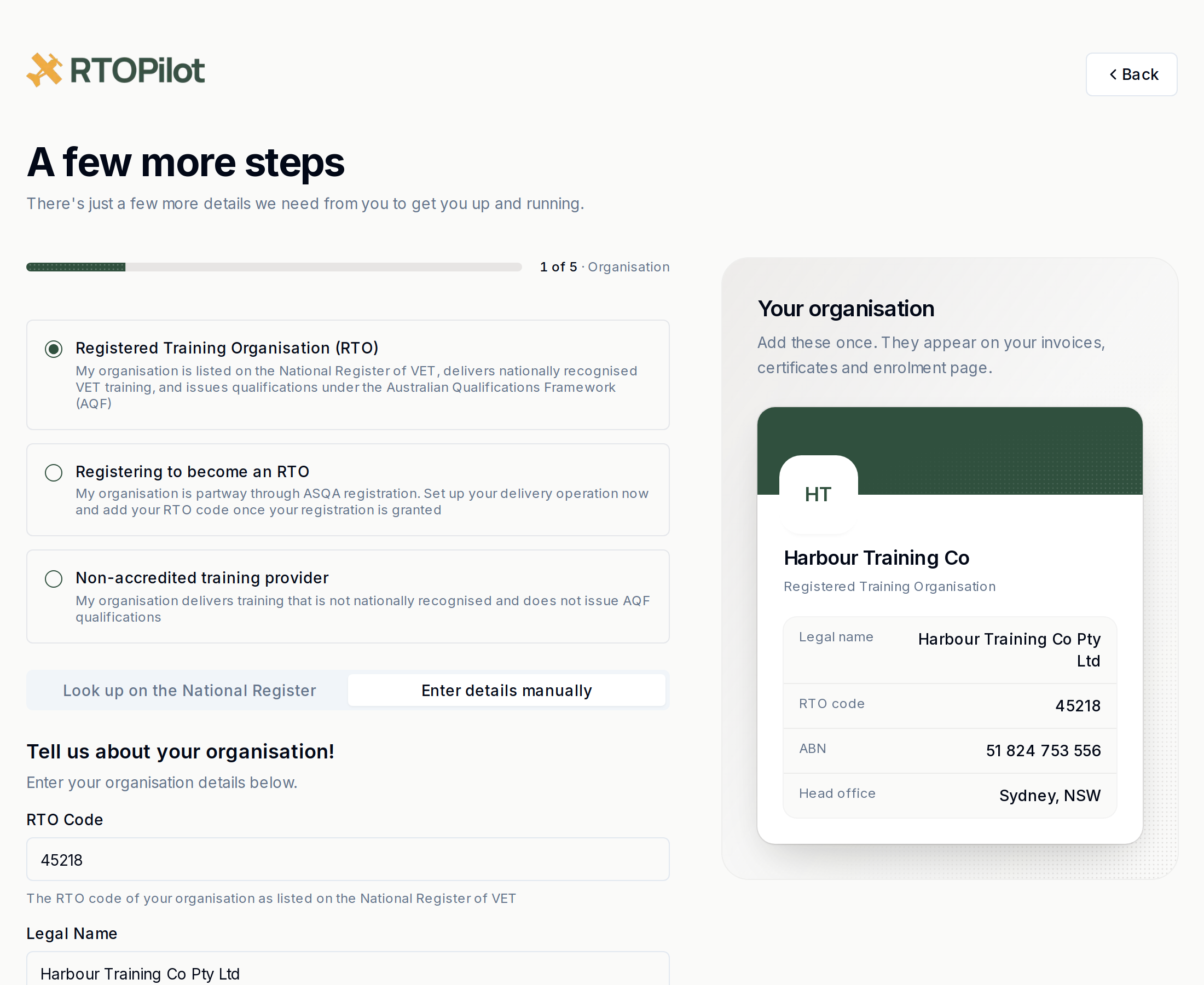
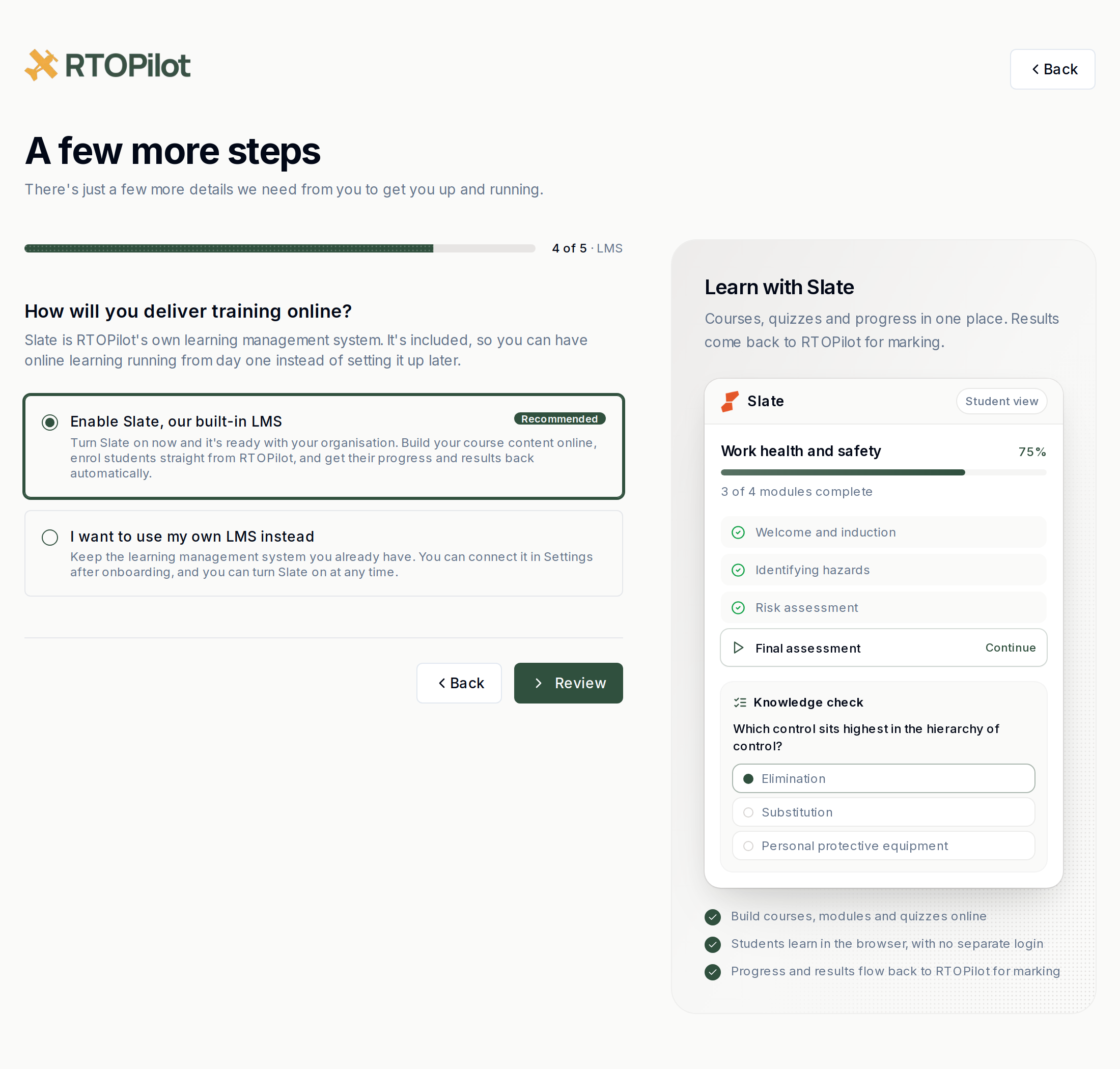
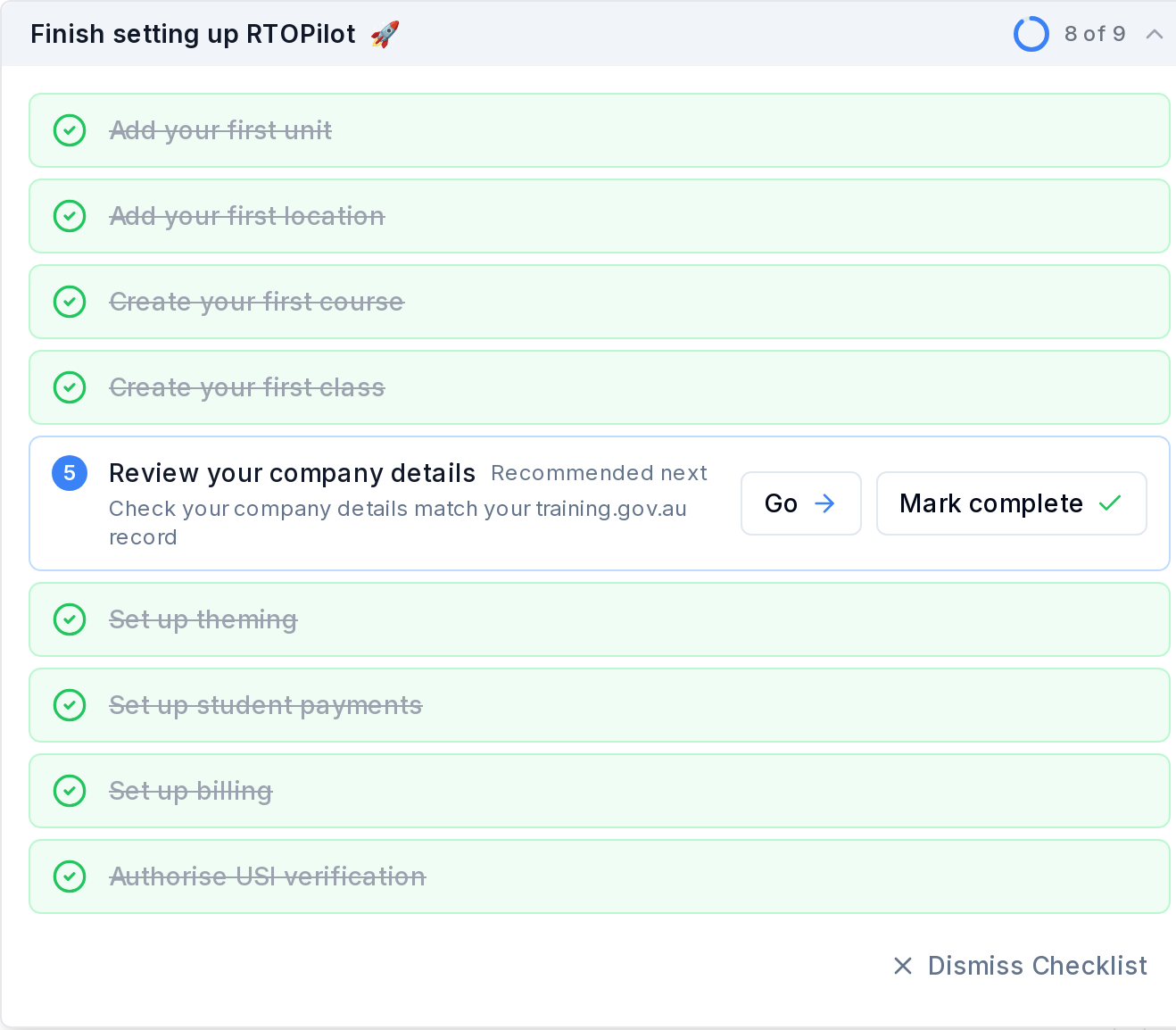
Onboarding is now a split screen, with the form on the left and a live preview of your RTO on the right. The setup checklist shows your progress as a ring once you're in.
Email verification by link
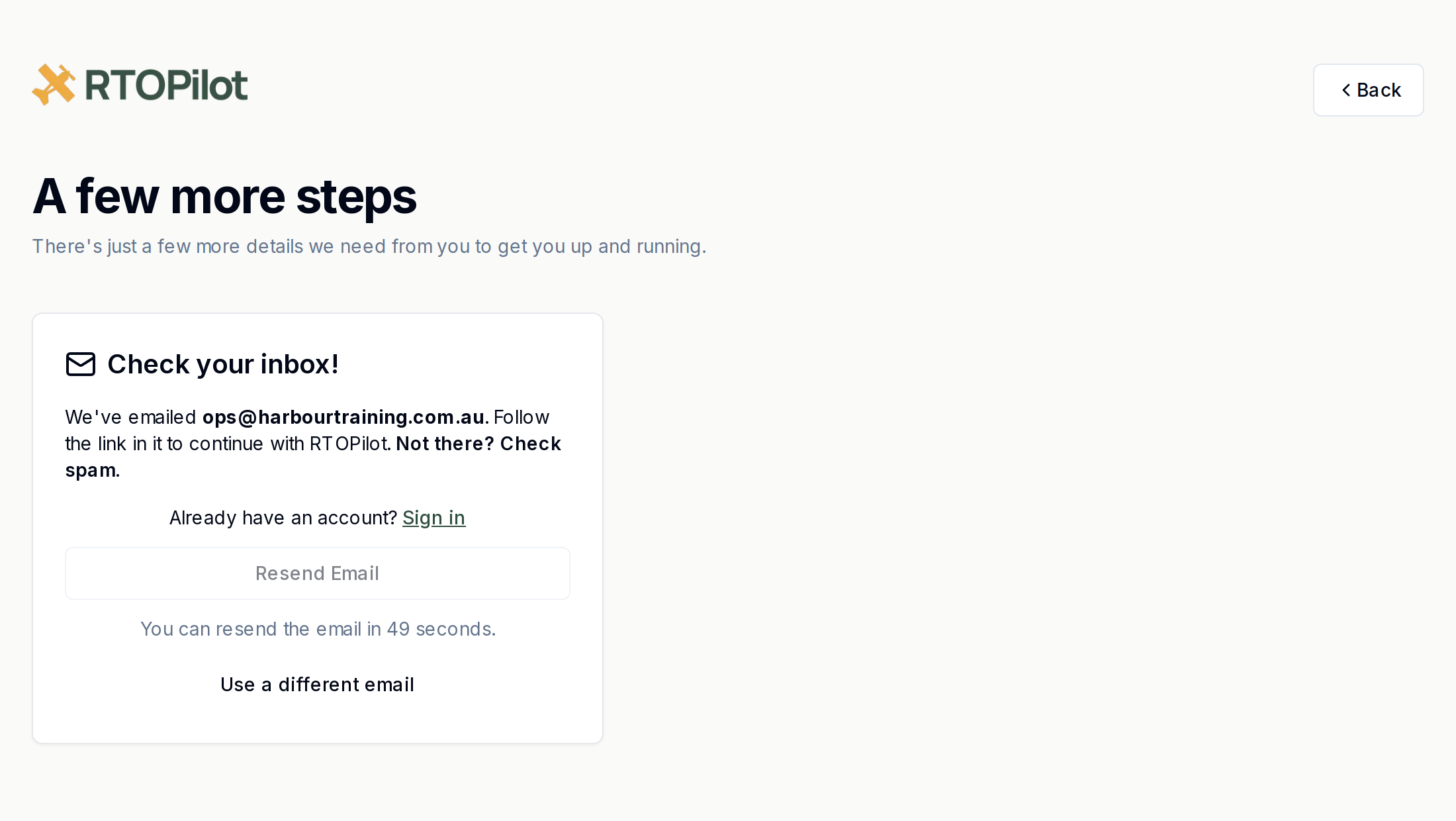
Clicking Finish sets up your organisation and emails you a verification link. Until you click it you can look around, but things like inviting staff stay locked.
A simpler way to add partners
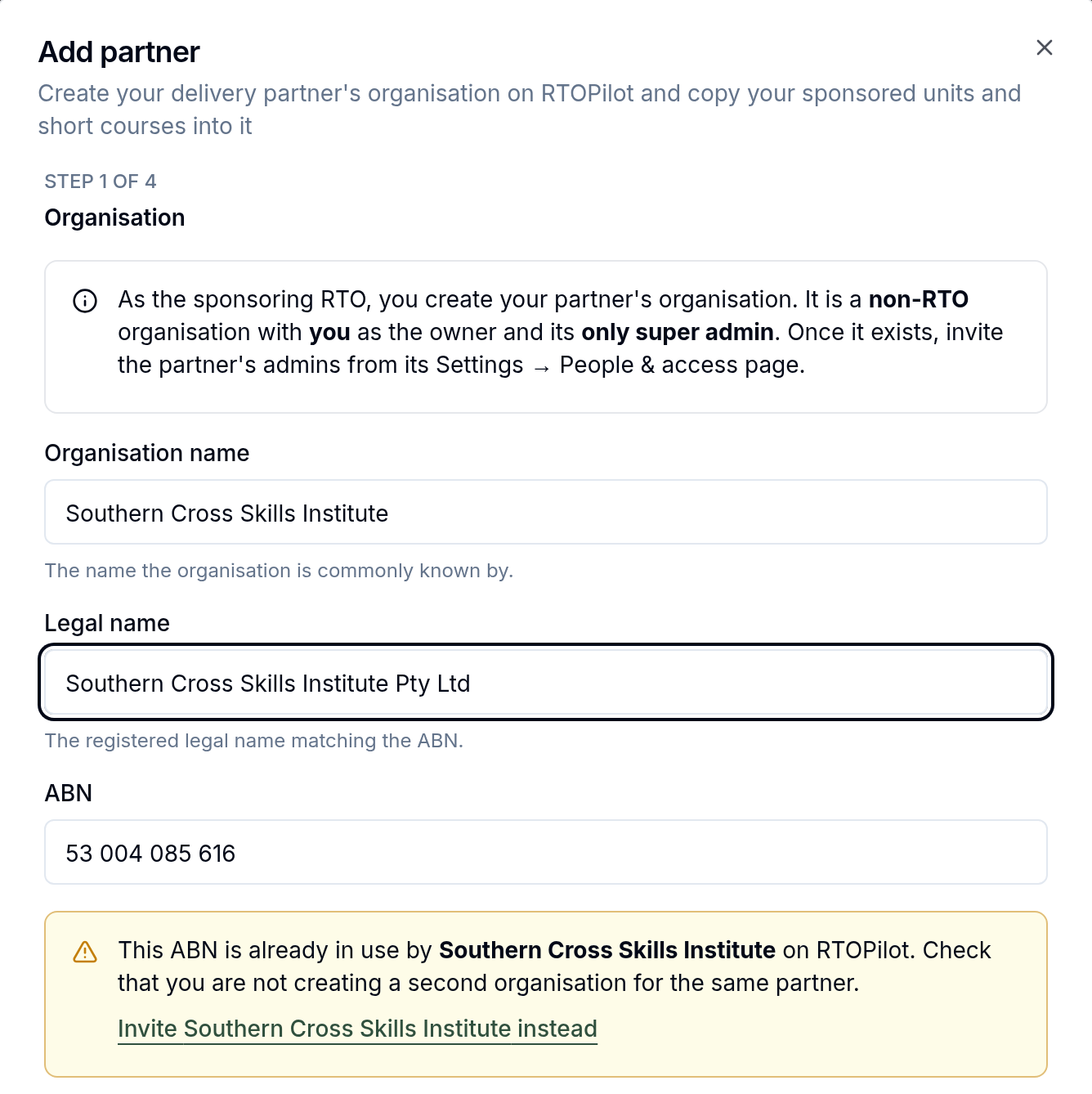
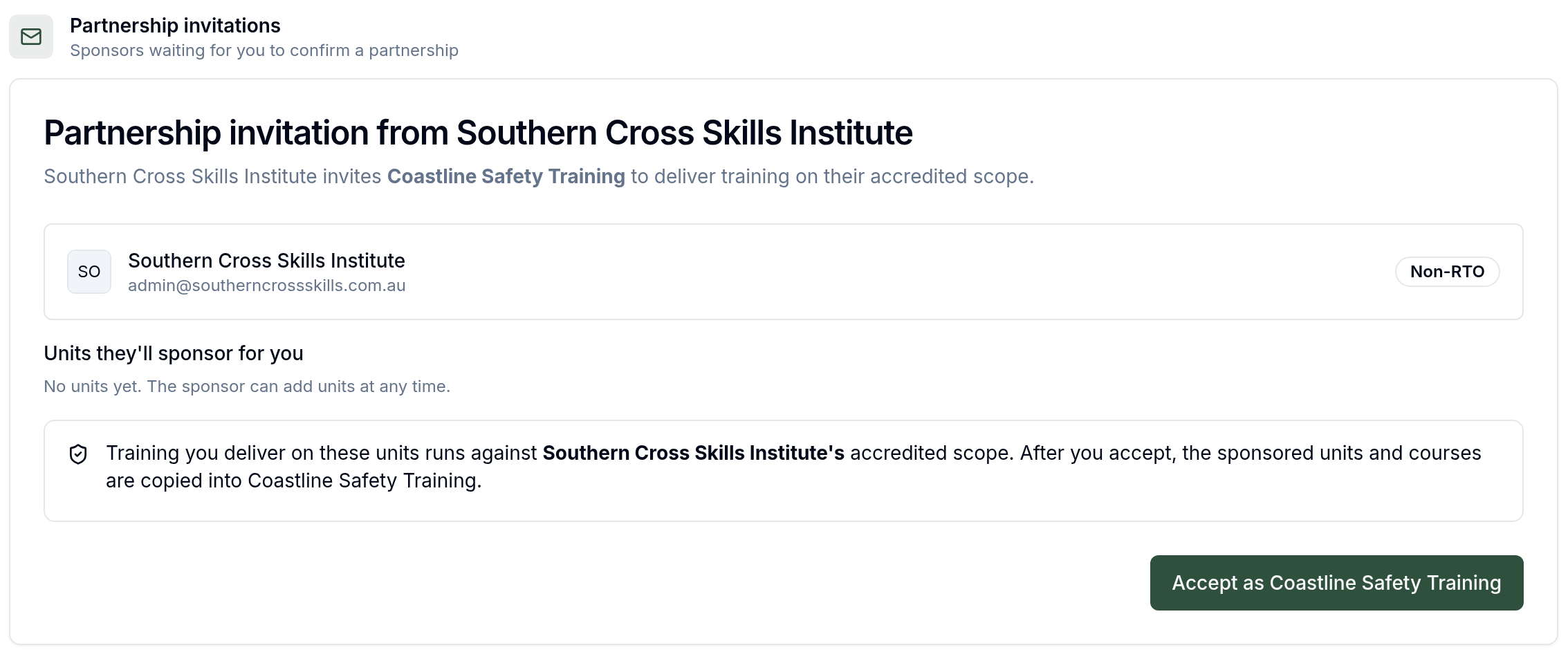
Add partner goes straight to creating the partner's organisation. If it's already on RTOPilot, you can invite it instead.
Improvements
Onboarding shows one step at a time with Back, and every setup checklist step can be actioned, dismissed, or marked not needed.
Onboarding can pull the full TGA unit scope for a qualification, not a truncated list.
The Add partner dialog explains each option more clearly, and creating a partner organisation can copy your custom roles and permissions across.
The setup checklist has a Need a hand? row that opens a support chat about your next step.
When you pick your RTO from the National Register, its public contact details are shown for you to check. They only fill in when you click Use these details.
Registering and non-accredited organisations can skip the ABN and business address in onboarding, and add them later from the setup checklist.