July 6th, 2026
New
Improved
Fixed

This release introduces a new way to work with partner organisations, a clearer view of student learning progress, bulk enrolment for administrators, and a range of fixes across the portal.
Partner with other organisations
Administrators can now set up and manage partnerships between organisations. Invite a partner and manage the relationship from both sides - as the sponsoring organisation or as the delivery partner - with the ability to redeem an invitation, enable or disable a partnership, adjust its scope, and remove it.
Sponsoring organisations can share their online-learning courses and units, and delivery partners can select that shared content when building class templates and classes. Sponsored content is clearly badged so it's easy to see where it comes from, and you can easily track and inspect the enrolments delivered under each partnership.
Enrol students in bulk
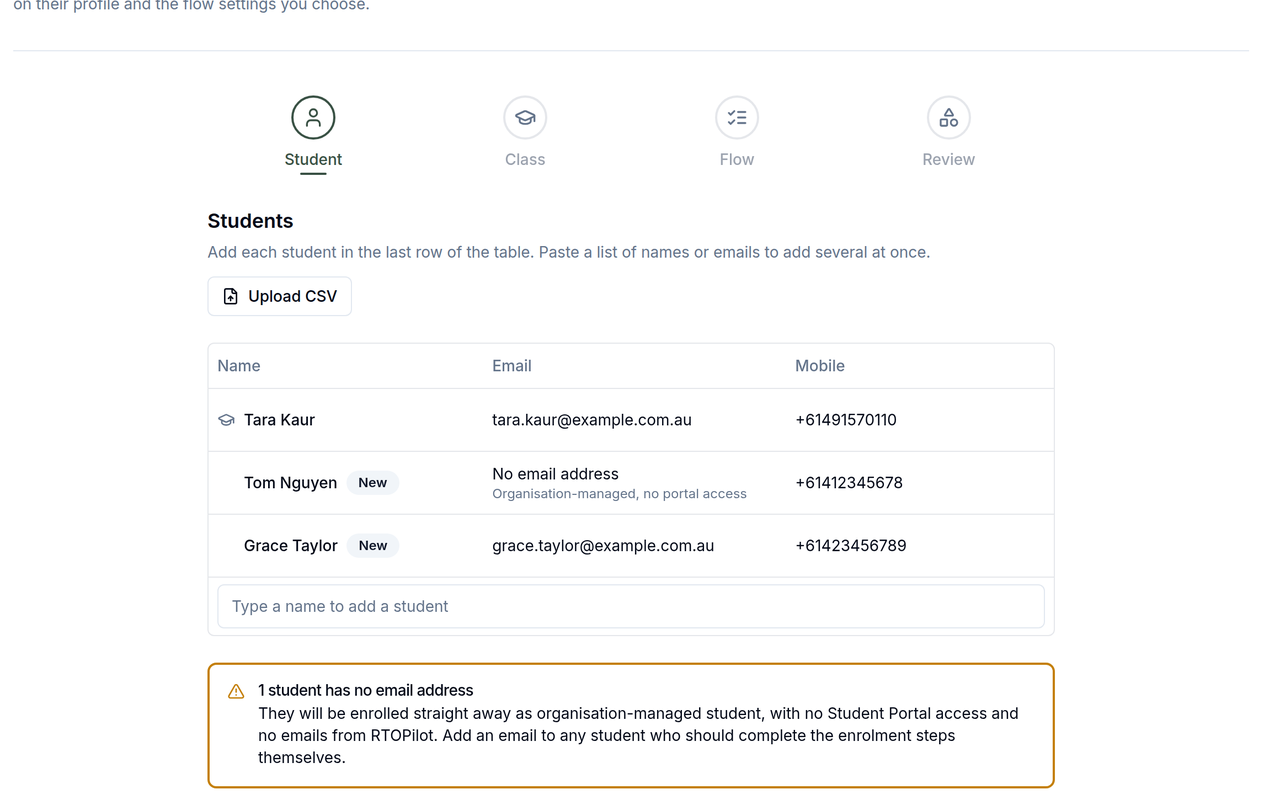
Administrators can now enrol many students into a class at once. Add up to 100 students, review them against the class's remaining capacity, and submit them together. You get a clear per-student summary showing which enrolments were created and which need follow-up, with each student emailed to complete their remaining steps.

Clearer learning progress
Progress for students on courses with content that's released later in class is now much easier to read. Students in the online-learning view, and staff in the admin and trainer portals, now see a segmented ring that separates completed activities, activities available now, and activities still to be released - so finishing all the available pre-learning no longer shows a misleadingly low percentage.

The admin enrolment page adds a module-by-module breakdown showing what each student has completed and what's yet to be released.
When you first connect Xero, RTOPilot now guides you to choose a default revenue account before syncing, so the connection can't be left half set up.
Administrator class search now sorts results by start time and warns you when there are more matches than can be shown, so a booking's own classes are no longer hidden behind other public classes.
Searching company contacts by full name now matches regardless of the order the names are entered.
Fixed unsaved-changes prompts that could misbehave for some Safari users.
Learning videos now play inline on iPhone and iPad instead of jumping to fullscreen when a student presses play.
The date picker in the payout export now opens correctly in Safari and DuckDuckGo.
Creating several classes at once now correctly creates and links their online-learning class.
In bulk enrolment, the options for skipping enrolment steps now update correctly as you change the selected students.
The coordinator company-selection screen now fits the visible screen area properly on mobile.
July 1st, 2026
New
Improved
Fixed

This release connects RTOPilot to Xero, brings rich text and images to learning content, and strengthens support for nationally recognised qualifications - from linking them to your courses to issuing certificates and reporting on them in AVETMISS.
Connect your accounting with Xero
Administrators can now connect RTOPilot to Xero from Settings. Once connected, finalised invoices and issued credit notes are sent to Xero automatically as part of your accounting, with a sync status shown on each invoice and a one-click re-sync if anything needs another attempt.

You can set a default revenue account, override it for individual courses, and map Australian states to Xero tracking categories so your income is categorised the way you report on it. This runs alongside your existing payments and doesn't change how students pay.
Available under Settings > Payment > Xero in the Admin Portal.
Rich text and images in learning content
Learning content and quiz questions now support rich text formatting and embedded images, so you can add headings, bold, lists, links and pictures to make activities clearer and more engaging.

New calendar alerts
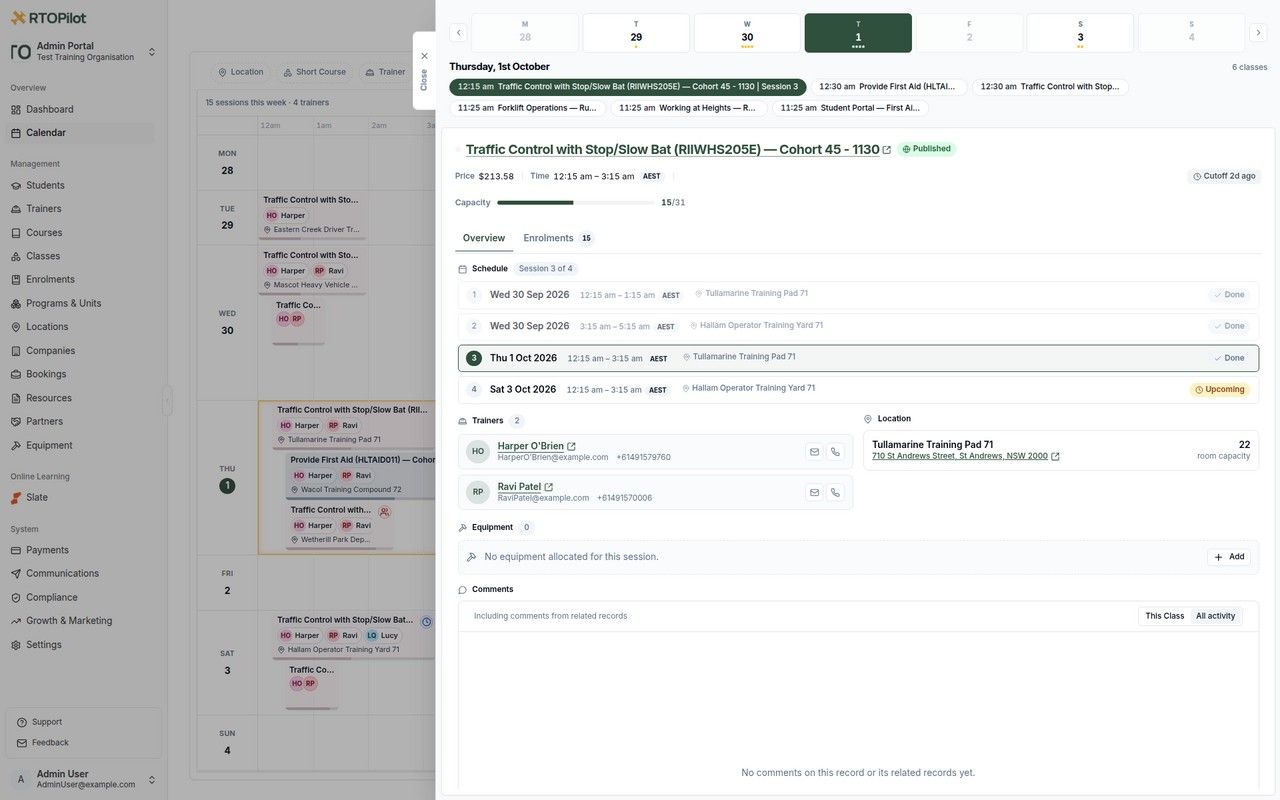
The admin calendar now flags more scheduling problems before they become issues. You'll see alerts when a class is over its capacity, when a trainer or venue is double-booked across overlapping sessions, and when an upcoming session has no trainer assigned.

Associate a qualification with your courses
Admins can now link a nationally recognised qualification or program to a course template. A new Program field lets you search training.gov.au directly, choose the matching qualification, and link straight through to its details. Associating a program ensures units are correctly tagged in your AVETMISS exports.

Issue Testamurs and Records of Results
You can now issue two new certificate types for nationally recognised qualifications: a Testamur, the formal certificate of qualification, and a Record of Results listing each unit outcome.
Invoices can now be filtered by type - Corporate Bookings, Students or Group Bookings - so you can quickly find the invoices you're after.
Records of Results now show a date of issue.
Payment reports and exports now show and sort by the actual payment date, rather than when the record was created, so figures line up with when money was received.
Coordinators invited to a company are now prompted to set a password, so they can log back in to the coordinator portal directly.
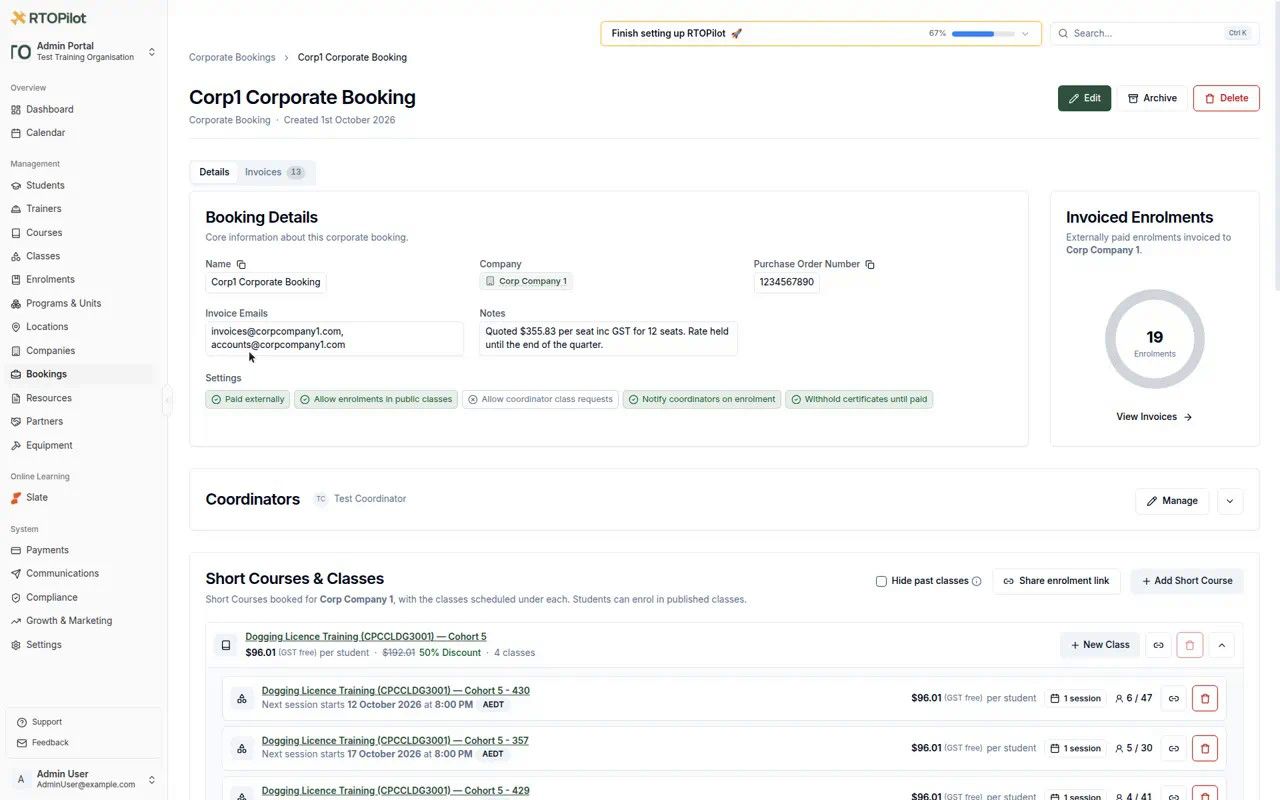
You can now create a corporate booking without adding any coordinators up front.
Students who have already completed an LLND assessment are shown their existing results during enrolment, instead of being asked to retake the test.
Users are now given a five-day grace period to set up multi-factor authentication before it becomes required.
Report and export wording has been refreshed to match the new accredited certificate terminology.
Course filters are now kept when you open a course from a filtered enrolment page and return to the list.
The link editor now stays open while you scroll, so you no longer lose your changes when adding a link.
June 22nd, 2026
New
Improved
Fixed

This release introduces short-answer questions with manual marking, a financial-year view for your dashboard, accessibility improvements for LLND assessments, and a range of smaller refinements across enrolments, payments and certificates.
Short-answer questions with manual marking
Course authors can now add short-answer, free-text questions to quizzes. Because these can't be marked automatically, any quiz attempt that includes one shows as "Awaiting marking" until it is reviewed, with the score and retry options hidden in the meantime.
Trainers and Administrators mark each short-answer response as correct or incorrect from the marking screen, and can leave optional feedback that the student sees on their results page.

Financial year view on the dashboard
Administrators can now filter the dashboard by Australian financial year (1 July to 30 June). Selecting a financial year scopes every card and chart to that period and automatically compares it against the previous year.
Accessibility improvements for LLND assessments
Students can now adjust the text size of their LLND assessment, with their choice saved across questions and future assessments. Assessments also open with a clearer, automatic start page, making them easier to read and begin.
Coordinators and Administrators can now edit the date of an externally recorded payment, with a clear note that previously generated reports will reflect the change.
Reminder SMS messages are now sent only to Australian phone numbers.
A new setting lets you keep the post-enrolment survey available in the student portal while turning off the automatic survey email.
The enrolment flow now hides pricing controls for fixed-cost classes and shows a clear "no payment required" message instead.
The Select Organisation screen now includes a search box to quickly filter your organisations by name.
Enrolment status webhooks now include full student and class details in the payload, so integrations no longer need to look these up separately.
Class templates now include a Digital Literacy level alongside the existing LLND skill levels.
Notification emails are now sent when a deferred certificate is released, for example after a USI is verified or student records are merged.
Credit note emails are now sent correctly for group booking invoices.
Draft invoices are now automatically voided when a group booking or enrolment lead expires.
The flagged-enrolment badge on the dashboard no longer overlaps other labels on narrow screens.
The Booking column in the enrolments table now displays correctly for Trainers.
Trainers can now mark LMS quiz questions as correct or incorrect from the marking screen; previously these controls only appeared for Administrators.
June 16th, 2026
New
Improved
Fixed

This update lets important reminders reach students by SMS, and brings a batch of portal improvements and fixes.
SMS Reminders
Students can now receive reminders by SMS as well as email, so important information is more likely to be seen. This covers class reminders, certificate-renewal reminders and late AVETMISS submission reminders. Each student can control which of these they receive by SMS from their notification preferences, so they only get the messages that matter to them.
Notification banners in the admin portal can now be dismissed for a period of time. Once cleared, they stay hidden for up to 24 hours, so announcements and prompts no longer linger after you've seen them.
Enrolment and lead lists in the Session Details view can now be sorted by student USI, student name and status, without reloading the page.
Trainer class attendee lists now show up to 50 people per page by default, so trainers are far less likely to miss attendees sitting on a second page.
The in-account Change Password screen now includes a Forgot your password? link, so anyone who can't recall their current password can trigger a reset email without leaving the app.
When an organisation updates a company's details, the matching billing customer is now updated too, so future invoices are issued with the current company information.
The class capacity bar's minimum and maximum markers have been redesigned as clearer threshold ticks, colour-coded to show whether a quota is met by confirmed enrolments or only once pending enrolments convert.
Credit notes for corporate bookings now reach the right recipient. Previously these emails could silently fail to send to corporate customers; they're now delivered to the correct billing contact, and corporate credit note PDF downloads are fixed too.
The "Student Payments Disabled" banner now appears only when payments are genuinely disabled, instead of showing for every organisation.
Class reminder SMS messages now show the correct time in the session's local Australian timezone, rather than appearing hours early or on the wrong day.
June 11th, 2026
New
Improved
Fixed

This update gives you much more control over how shared and embedded enrolment pages look and behave, plus a few new calendar, commenting and reporting improvements.
New List View for Classes
Shared class lists can now be displayed as a compact list instead of the card grid. Each row shows the class date and time, location, session count and price alongside an Enrol Now button, letting visitors scan many classes at a glance.

Location Controls for Shared Class Lists
A course's class list can now be shared with one or more locations pre-selected, so visitors only see classes running where they are β ideal for location-specific landing pages. You can also hide the location filter bar entirely for a cleaner embedded page.

Course Filtering & Sorting on Shared Course Pages
When sharing or embedding your course list page, Administrators can now restrict it to a chosen set of courses and pick the order they appear in β by name (AβZ or ZβA), price (low to high or high to low), or duration (shortest or longest first).

The Share Calendar Feed window now includes step-by-step instructions for subscribing to your calendar feed in Google Calendar, Outlook and Apple Calendar.
Calendar filter chips have a cleaner design and stay compact when multiple filters are active, so they no longer overflow the toolbar.
Comments older than a day now show their date instead of a relative time, making older discussions easier to place.
Invoice exports now include a Payment Type column showing whether an invoice was paid internally, externally, or both.
Emails sent on behalf of your organisation now include your RTO code in the footer.
Web links pasted into name and business name fields on enrolment forms are now automatically removed, keeping your student records free of spam.
Tooltips on small elements such as status indicators no longer flicker when hovered.
Merging duplicate student records now correctly issues any certificates that were pending and became eligible as part of the merge.
June 5th, 2026
New
Improved
Fixed
Feature

This release introduces group bookings, clearer add-on visibility on enrolments, and a new aged debtors report.
Group Bookings
A complete group booking workflow for public classes. Coordinators can create a group booking, add and edit their attendees, pay for the whole group, and download invoices, while Administrators manage it all from a unified Bookings area that now covers both corporate and group bookings.

Add-ons Visibility on the Enrolments Table
The class enrolments table now has an Add-ons column, so Trainers and Administrators can see at a glance what each student selected, along with a new add-on filter and search. Administrators also get an Amount Paid column, add-ons are now included in CSV exports, and payment breakdowns itemise each cost with GST.

Aged Debtors Report
A new Aged Debtors report under Payments β Reports gives you summary and detailed views of outstanding invoices grouped into ageing buckets. Choose the as-of date, timezone and company filter, then export the results to Excel.

Digital Literacy in Class Requirements
Digital Literacy can now be selected as a required skill in a class template's LLND requirements, alongside the existing literacy and numeracy skills.
June 3rd, 2026
New
Improved
Fixed

This release brings a smarter and more accessible LLND assessment, bulk certificate downloads, clearer invoicing, and new tools for managing enrolments, classes and billing.
Expanded LLND Assessments
The Language, Literacy and Numeracy assessment has been improved and expanded. It adds a new Digital Literacy skill area and expands the question bank with higher Level 4 and Level 5 questions. The assessment strategy now adapts to each Student's answers to better pinpoint their level in less time.

Bulk Certificate Downloads
Administrators can now select multiple students in a class and download all of their certificates at once, with the option to download wallet cards in the same way.

International Phone Numbers on Enrolment
Enrolment forms now accept international mobile phone numbers, so students based outside Australia can enrol without issue.

Invoices now show a coloured ring around the payment status indicator, so their status β such as paid, unpaid or overdue β is visible at a glance.
Payments that are processing are now shown with a clear, prominent indicator, making it easy to spot when a payment is in progress.
Payment exports now distinguish amounts including and excluding GST, and detailed payout exports include separate GST columns for platform and payment fees, making financial reconciliation more transparent.
Trainers and Coordinators can now delete enrolment leads that have not been converted to enrolments, helping keep the lead pipeline tidy.
The enrolment lead view has been streamlined by removing grouping options that were causing confusion.
A student's date of birth is now shown on the enrolment details page.
Fill-in-the-blank assessment questions can now offer a word bank, letting students click a word to place it into a blank instead of typing it.
Answer options in assessment questions now appear in a randomised order each time.
Date filters across class lists now let you choose a specific time as well as a date, and default to the current time.
May 26th, 2026
New
Fixed

This update adds file uploads for classes and a set of admin portal improvements β including course add-on rules and enrolment transfer history β alongside a round-up of fixes across enrolments, invoicing and billing.
File Uploads for Classes
Administrators can now upload files against a class from the admin portal, keeping supporting documents in one place.

Transfer History on Enrolments
Administrators can now view a timeline of any class or student transfers on an enrolment, including when each transfer happened and who performed it.


Course Add-on Rules
Administrators can now configure whether add-ons are required for enrolment, and whether students may select multiple add-ons or only one per course. Students enrolling in a course with add-on requirements are shown clear validation messages if they skip a required add-on or select more than is allowed.

Reverse USI Search
Staff can now search the student and enrolment modules by the reversed ID thatβs used in AVETMISS exports. Making it quicker to find the right record when fixing errors.
Cost items now stay correctly linked to their invoice line items, keeping financial records accurate.
Some completed enrolments were missing their associated invoices β all completed enrolments now generate proper invoicing records.
Externally paid enrolments that have since been converted are now processed correctly, and financial amounts from external integrations display properly.
Empty unit records in Historical Training Activity (HTA) data are now handled correctly.
Archived payment records are now hidden as expected, so invoice balances and other financial figures display correctly.
Certificates now show the issued-on date in the timezone of the final class session's location.
Courses with a large number of activities now load reliably.
Units that are in use by historical training activities can no longer be deleted, protecting against broken references.
Administrators are now notified when a bank revokes the organisation's billing mandate, so automated billing can be re-established promptly.
Australian Business Numbers are now handled correctly during invoice creation, preventing duplicate invoices when payment confirmations are retried.
Payment information for corporate bookings now correctly reflects whether a booking was paid externally or through the system.
Duplicating a course no longer fails for organisations that do not have payment processing set up.
May 21st, 2026
New
Fixed

A new way to see which marketing campaigns are driving your enrolments, a handy class checklist indicator for trainers, plus a few fixes across leads, enrolments and sign-in.
Ad Conversion Tracking
Your embedded enrolment form now sends a browser event each time a student enrols, so you can measure which ad campaigns are converting.

Under Settings β Growth & Marketing, Administrators will find ready-to-use snippets to forward these events to Google Ads, Meta Pixel and Google Tag Manager β and through Google Tag Manager, on to any other marketing tool.

Class Checklist Progress for Trainers
Trainers viewing their classes can now see a progress indicator for the class checklist, making it easy to track which tasks remain.

Email addresses are now trimmed of accidental leading or trailing spaces during login and registration, so a stray space no longer prevents signing in.
Enrolment lead details can now be edited and updated correctly, and editing a lead's email warns when a student with that email is already enrolled in the class, preventing accidental duplicate enrolments.
Enrolment links can no longer be shared while the class or course is unpublished, with a clear message about what needs to be published first.
The transfer-class modal no longer shows classes from other bookings.
The support widget no longer breaks when switching between portals.
Merging two student records now correctly consolidates their class transfer history, with no duplicate transfer records left behind.
May 13th, 2026
New
Improved

This update introduces a completely redesigned payment and invoicing system with improved payment and refund management.
Improved Invoices and Payment Tracking
All payments in the system are now linked to invoices. Individually paid enrolments now automatically generate invoice records in the backend, with added support for tracking external payments. Invoice lists have also been improved with better filtering and exporting.

Credit Notes Management
A new credit notes system lets Admins create, track, and manage credit notes against invoices. This makes it easier to keep accurate records of amounts owed and owing, and to process refunds with the correct accounting treatment.

Improved Payment Indicators
Enrolment lists, modals, and detail pages now surface more information about how much students have paid β and, more importantly, how much is still owed.

Streamlined Admin Enrolment Form
The admin enrolment form has been redesigned for faster processing, giving admins more control over the enrolment flow and the option to skip steps where appropriate.

Fixed an issue with ABN display and added it to all billing invoices.
Large SCORM packages are now processed more efficiently in Slate.
Payment list page performance has been optimised.
Certificates now automatically use the correct timezone for completion and issue dates - the last session of the class for class-based certificates, the training location for enrolment-based certificates, and the original venue for historical certificates.
Admins can now configure whether pending enrolments count toward class capacity, giving better control over booking behaviour.