New LMS Question Types: Table, Hotspot & Matching
This update is all about online learning: three new quiz question types for building richer assessments, smarter class reminders, and a set of fixes that make the learning experience more reliable for students.
What's new
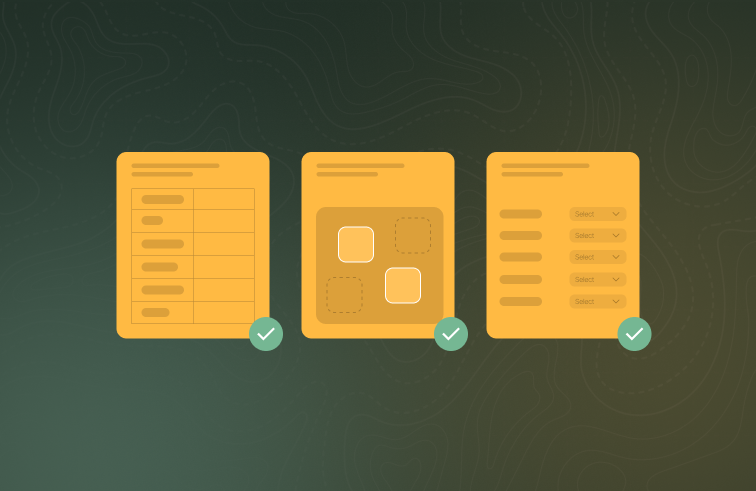
Table, hotspot and matching quiz questions
Course authors can build three new question types for online learning quizzes.
Table questions present a checklist or grid that can be a simple declaration (tick every box), auto-marked against an answer key, or sent to a trainer for marking.

Trainer-marked table answers flow into the existing marking queue, and students see clear feedback for each type when reviewing their results.
Hotspot questions ask students to click the correct areas on an image, or to place numbered labels where each item belongs.

Matching questions ask students to pair each item with the right option from a drop-down list.

Improvements
Class reminders for multi-day courses now say which day they relate to — "Day 2 of 3" — in both emails and SMS, and session dates are shown in the class location's own timezone.
Reminder messages now arrive during daytime hours in every Australian timezone, end with a single link to what needs attention, and the "complete your online learning" nudge only appears when the student actually has learning available to complete. Reminder SMS now include a "Reply STOP to opt out" option, and opting out takes effect automatically.
Bug fixes
Online learning progress and completion are now saved more reliably, including when a student finishes an activity and immediately closes the tab or switches away on a mobile device.
Course content in the LMS with videos or unusual file names now loads and plays correctly, fixing cases where students couldn't progress past certain questions.
Completed online-learning enrolments now stay at 100%: adding modules to a course later no longer drags past students' progress down or resurfaces outstanding work for them.
If the language, literacy and numeracy (LLN) assessment fails to start during enrolment, students now see a clear message with a "Try Again" option instead of a blank card.