Payment Terms & Invoice Payments
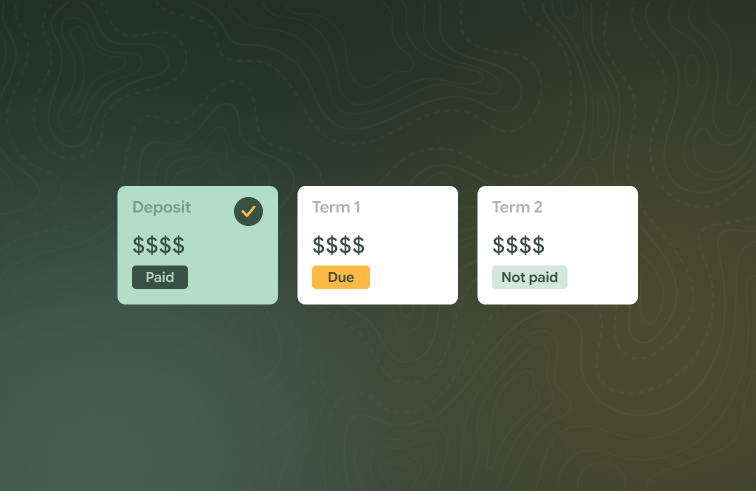
Invoicing is more flexible, from payment terms to group bookings paid by invoice. Corporate booking invoices are also easier to fix after they're sent.
What's new
Payment terms


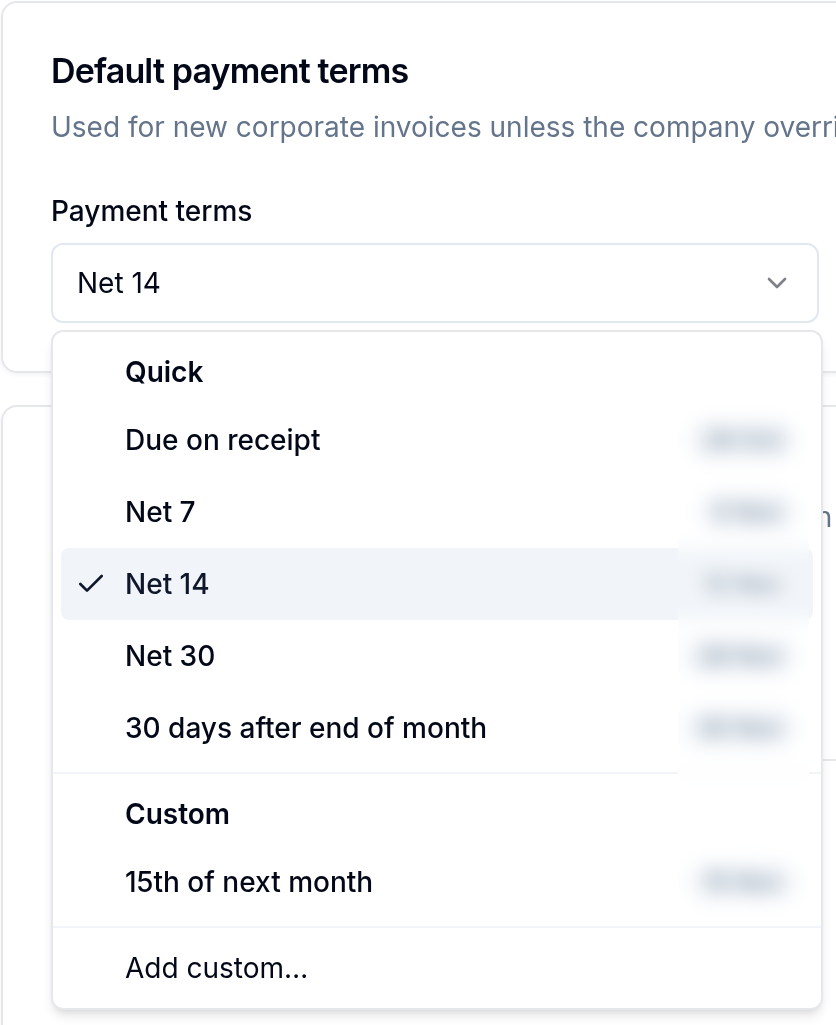
Set default payment terms for your organisation, give a company its own terms and still change them on a single invoice. The term name shows next to the due date on the invoice, the PDF and the email.
Group bookings paid by invoice
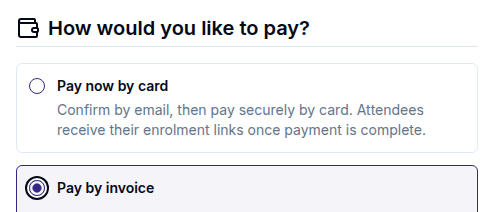
Coordinators can choose to pay a public group booking by invoice. The invoice is issued and emailed straight away, and certificates are released once it's paid.
Invoice corporate booking leads straight away
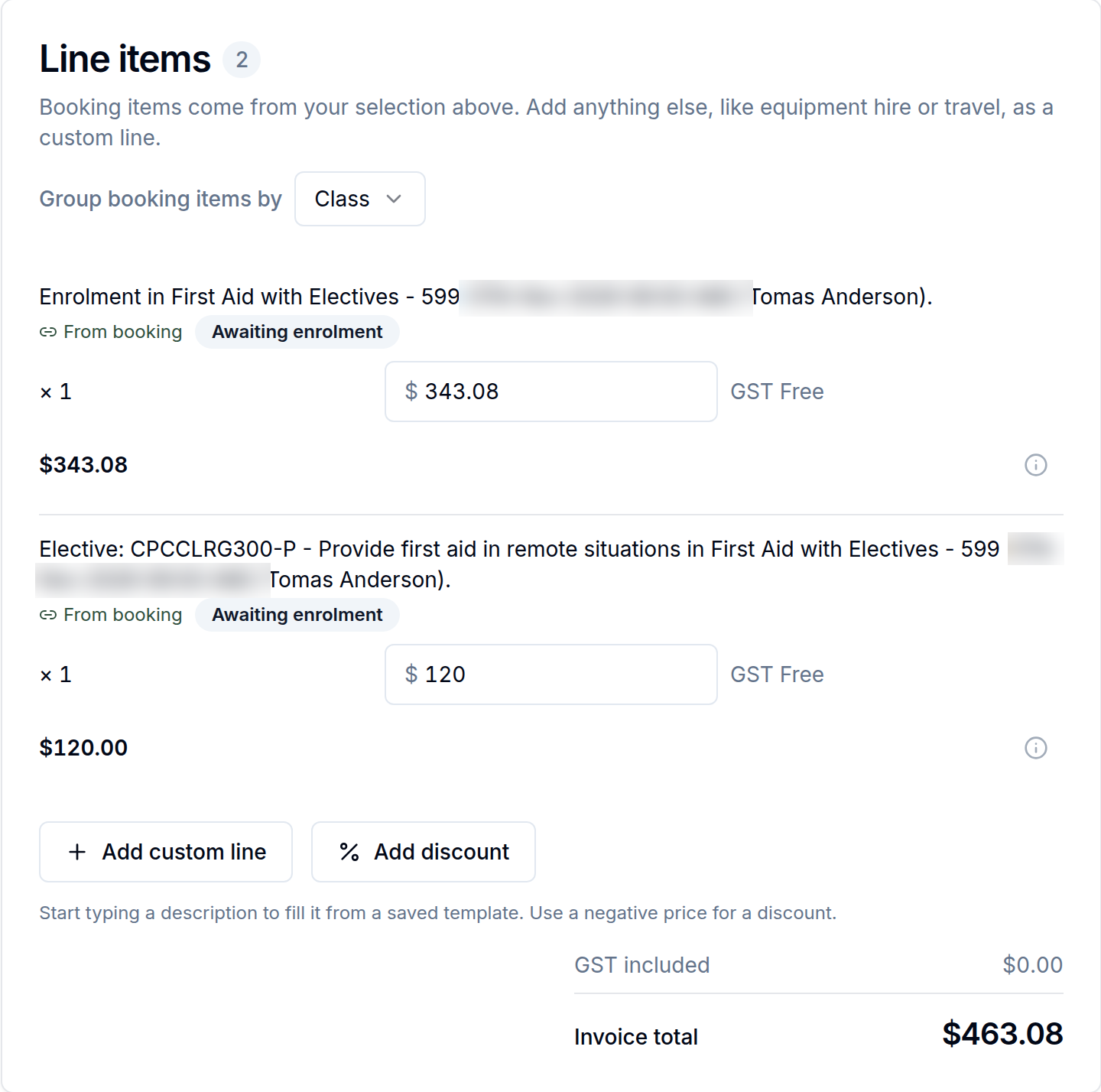
Corporate booking invoices can include leads who haven't enrolled yet. When they enrol, the same invoice line moves to the enrolment with no double charge.
Edit a sent corporate booking invoice
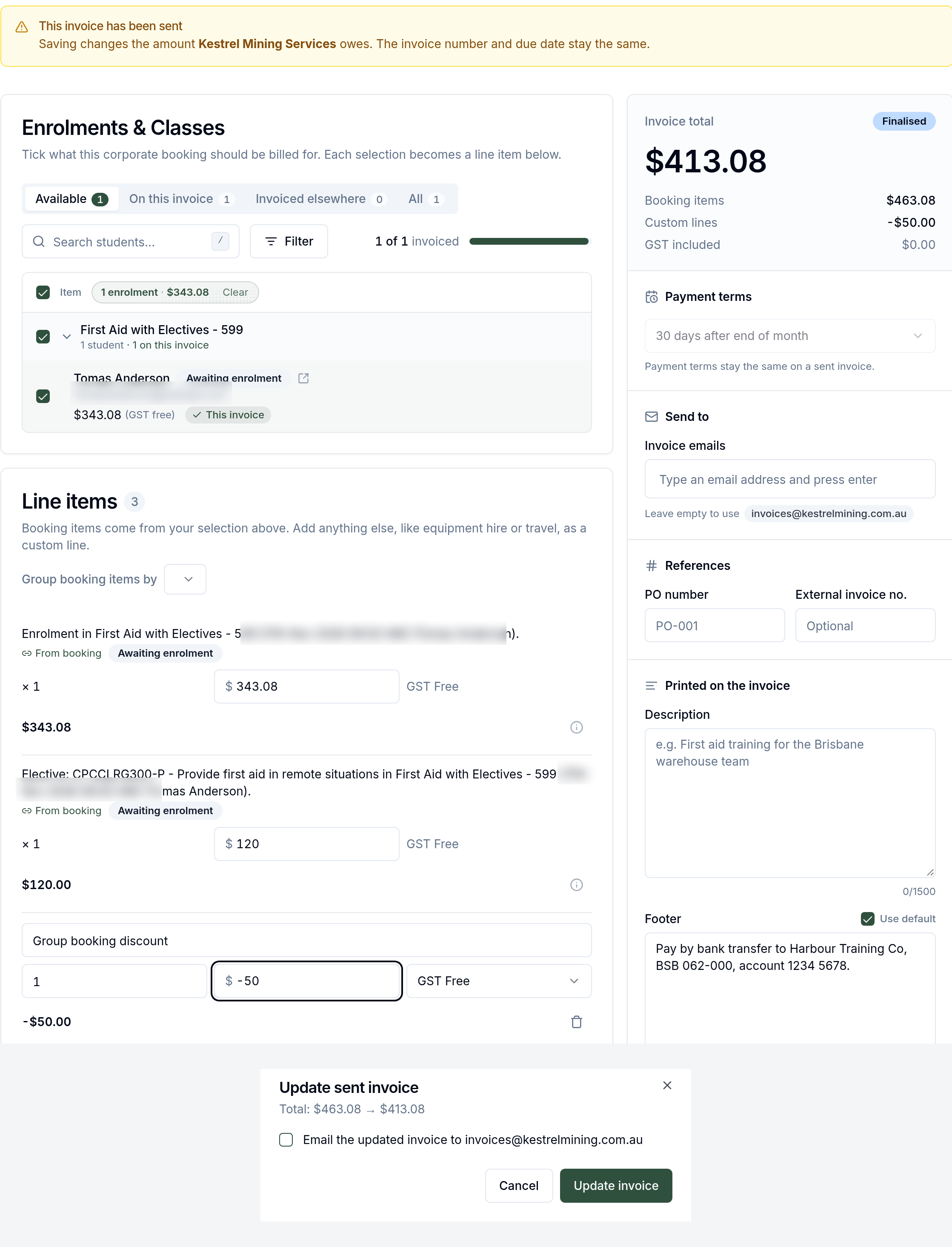
You can edit the lines on a sent corporate booking invoice, or add a discount, as long as nothing has been paid or credited. Xero updates to match.
Replace the student on an invoice line
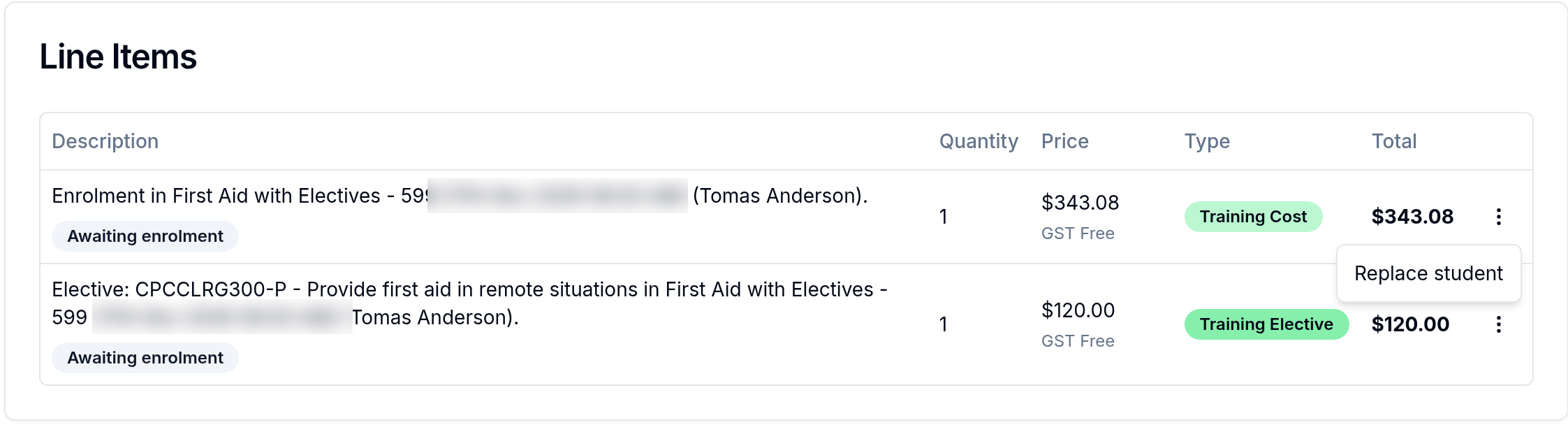
On a sent or paid corporate booking invoice, swap the student on a line when the wrong person was listed.
Your own invoicing details
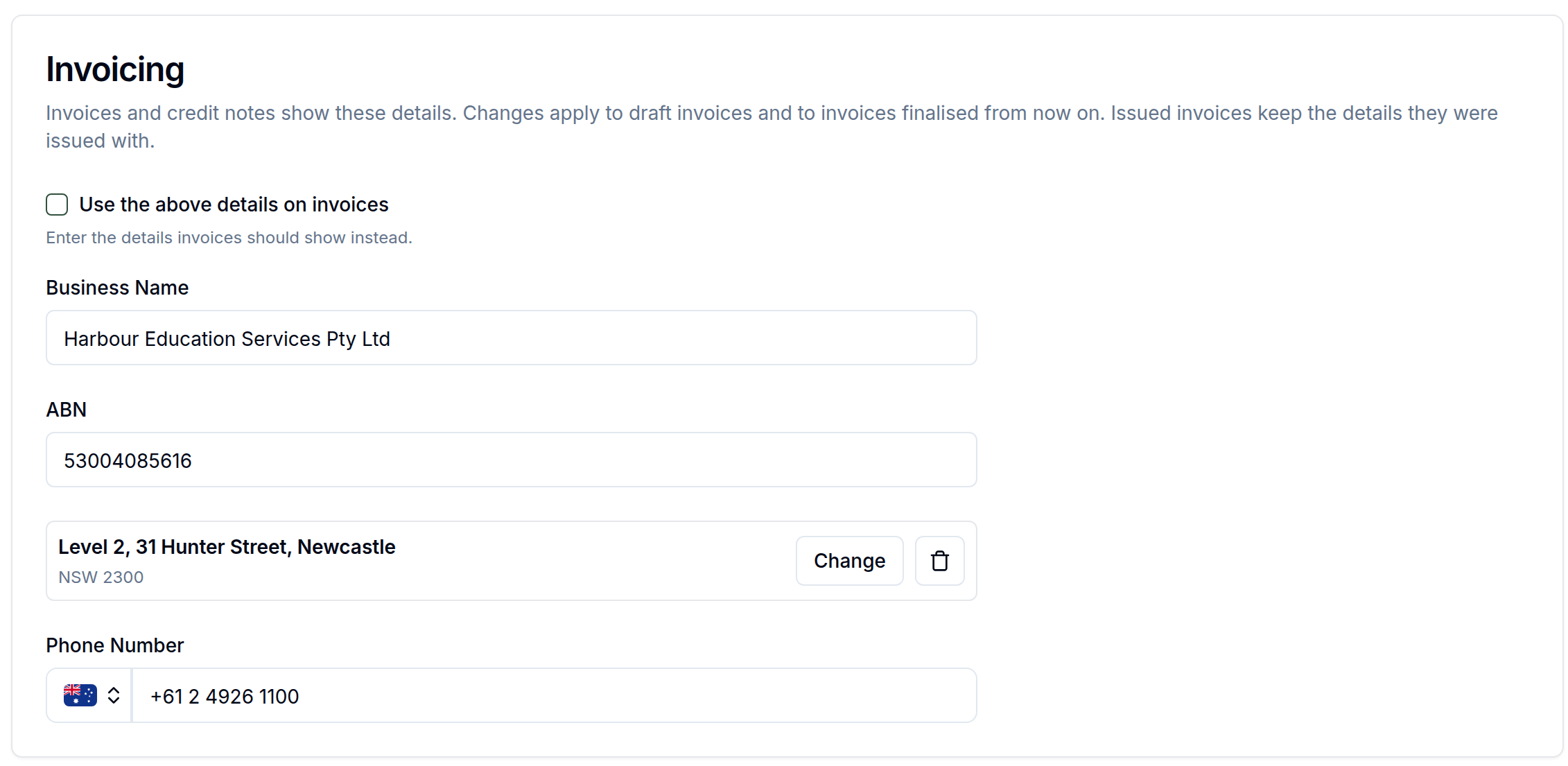
If you invoice under different details from your company record, add them in Settings. Each invoice keeps the details it was finalised with.
Improvements
Custom invoice lines, such as travel or call-out fees, can post to their own Xero revenue account.
Enrolment payment chips show the linked invoice number.
Each company can inherit, always get or never get overdue invoice reminders.
Group bookings paid by deposit show as Partly paid with the amount owing.
The enrolment picker on invoices filters by certificate status.
A company's invoice address is optional.
Invoices with credit notes show a Part credited or Fully credited status, and hovering it lists the credit notes, any refunds and the balance still due.
Overdue invoice reminders can be turned on or off under Scheduled communications.
Invoices without their own footer now fall back to your organisation's default footer and payment details.
Credit note emails and card-refund emails use clearer, distinct copy so students can tell which kind of refund they got.
Courses on a corporate booking have Hide classes and Show classes.
Coordinators opening an old group booking link are taken to the right company portal.
Corporate booking enrolment tables show each student's USI.
Coordinators can sort booking students by name and filter enrolments by enrolment date.
Bug fixes
Credit note previews handle amounts under $1 correctly.
When Xero access is lost, the Xero page shows Reconnect to Xero, and disconnecting now keeps your account mappings.
Paid externally on a corporate booking saves the first time.
Students already on a paid corporate invoice are no longer offered under Add on another invoice.
The corporate booking wizard accepts an existing company with no invoice address.
A custom price on an enrolment now applies when the student is on a corporate booking with a discount.
Xero contact sync no longer leaves contacts out of sync.
Corporate bookings save again when an existing coordinator has a landline number.
Creating a corporate booking for an existing company with older stored data (such as a placeholder postcode) works again.
The course search list on a corporate booking stays inside the dialog instead of covering Back and Continue.
Corporate companies sort by name regardless of letter case.
The coordinator portal home redirects to the right page, and its booking pages have proper titles.
Corporate booking setting descriptions wrap properly on phones.