Quiz Attempt Limits & Video Answers
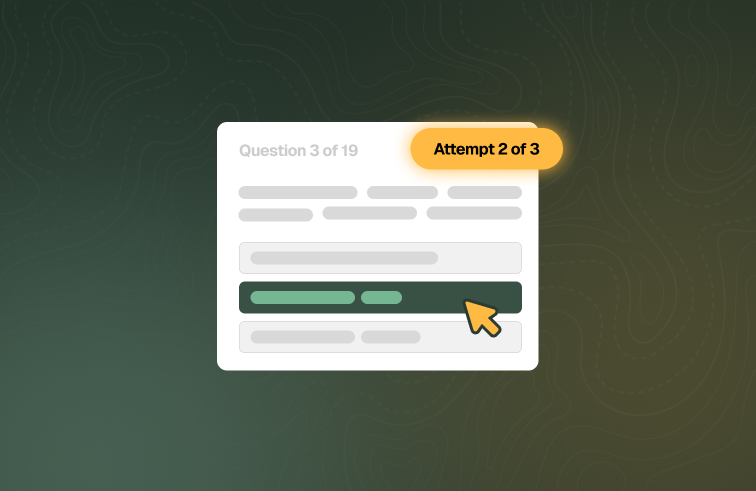
Online learning gets more control over attempts and progress, plus a few course builder upgrades.
What's new
Maximum quiz attempts
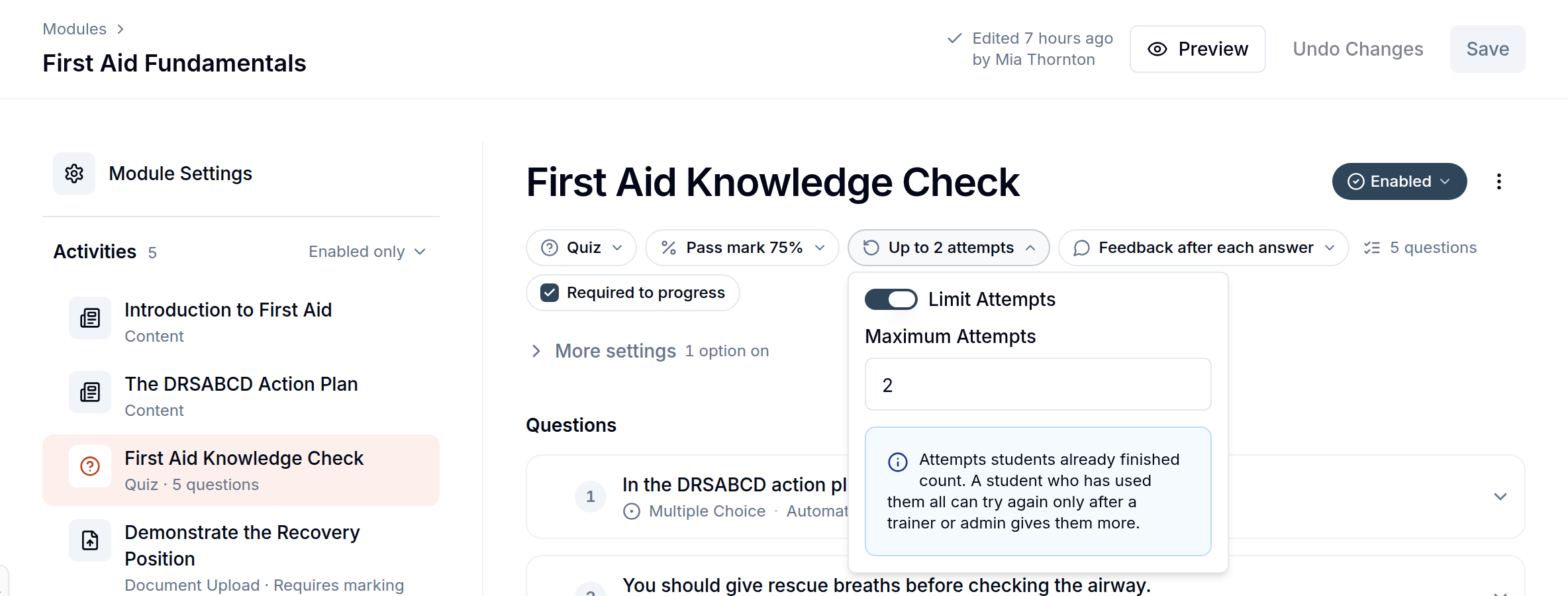
Limit how many times a student can attempt a quiz. Students see a clear note when they have no attempts left.
Record a video answer
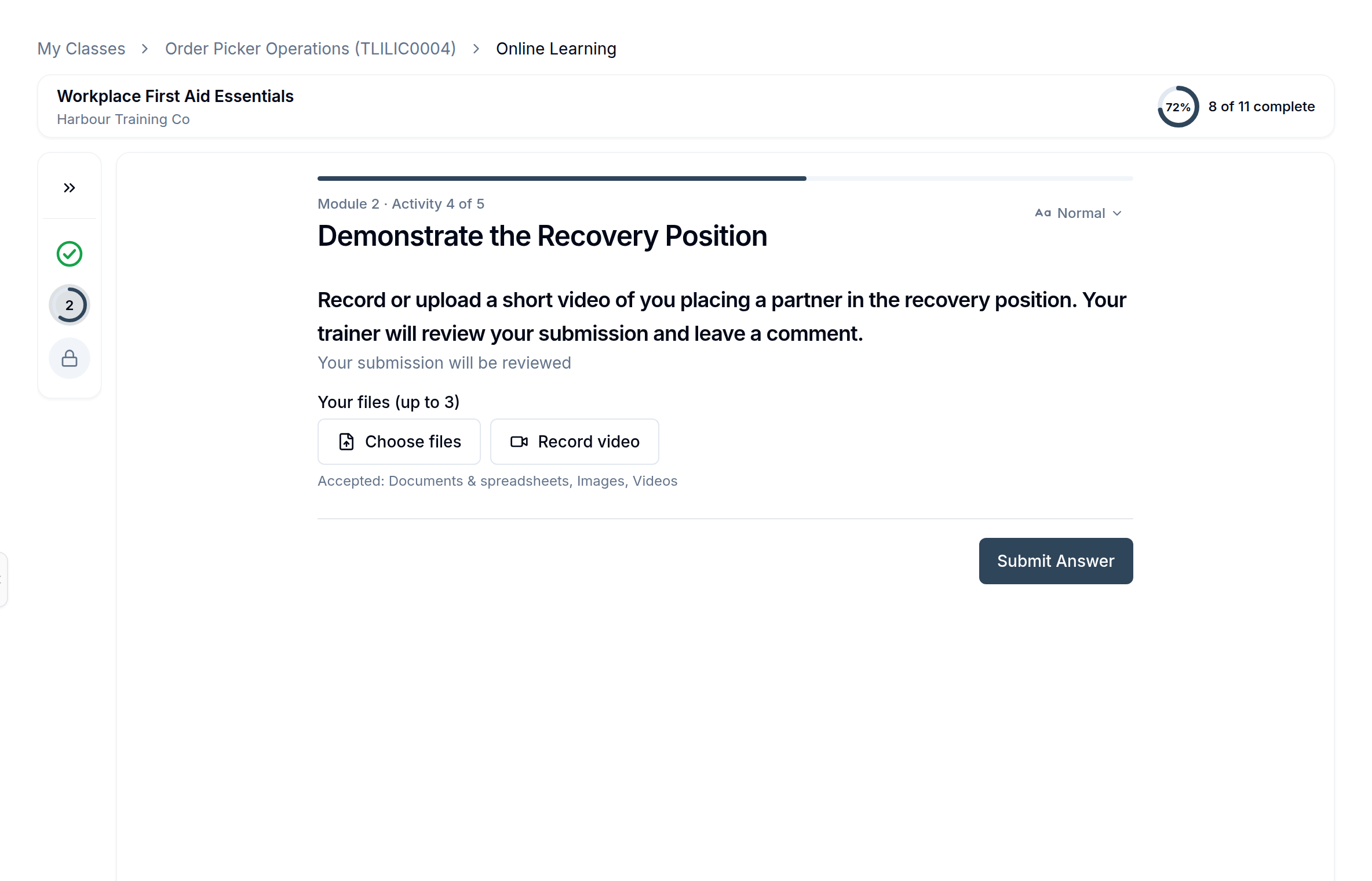
Students can record a video straight from a document upload question, instead of filming and uploading separately.
Required to progress
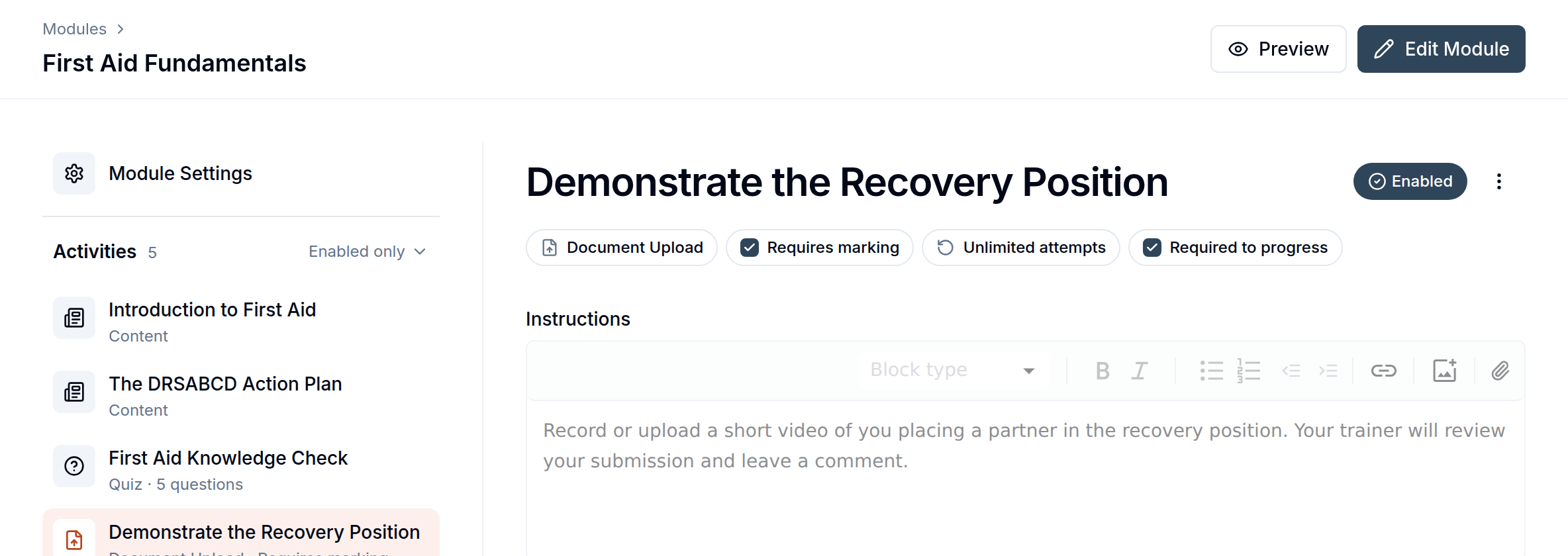
Choose, activity by activity, whether students must finish it before they can move on.
Pass marks for SCORM
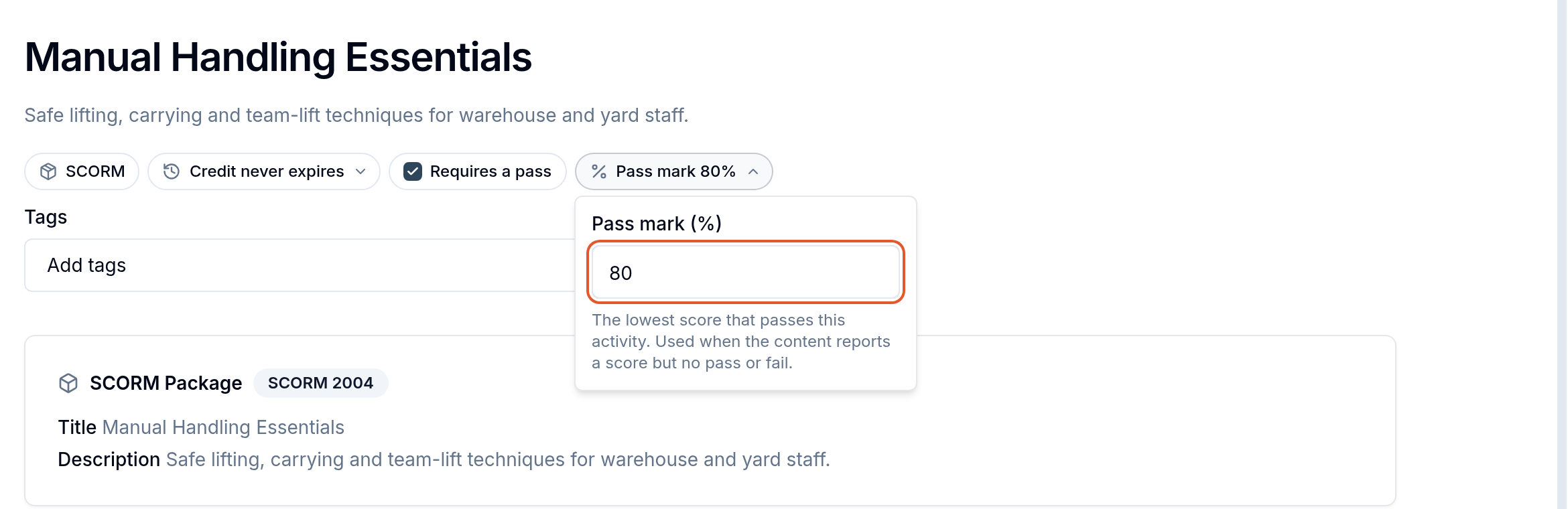
SCORM activities pass on the package's mastery score, or on a pass mark you set.
Improvements
Hotspot questions support drag and drop, and matching questions can drag text and image items.
Preview a module from a specific activity or question.
Unsubmitted quiz answers survive a page reload for every question type.
Courses and modules show who last edited them.
Open an activity straight from the course outline, with the drag handle always visible.
Quiz shortcuts work in the preview dialog, and the question toolbar stays beside the title.
Students get a pre-work reminder email 3 to 5 days before class when mandatory online learning isn't finished, plus a reminder when pre-learning is incomplete.
Bug fixes
Hotspot images show to learners again.
Audio files play on iPhone and iPad in Safari.
Duplicating a module keeps Must watch to the end on videos.
Dialogs stay in view inside a content-sized embed.