Redesigned Slate, Drawing Questions & Duplicating
Slate has a new look for authors, learners and markers. You can also ask drawing questions, duplicate and archive content, and lay out images and lists more easily.
What's new
A redesigned Slate


Admins get a home page showing what needs attention, a Ctrl/Cmd+K command palette and document-style editors with save status and Undo. Learners get a cleaner player with a progress bar and Up next, and markers get a score header, a question index and Next Unmarked.
Drawing and short-answer questions

Quizzes can ask students to draw an answer or type a short written one. Markers review them alongside the rest of the quiz.
Duplicate modules and courses
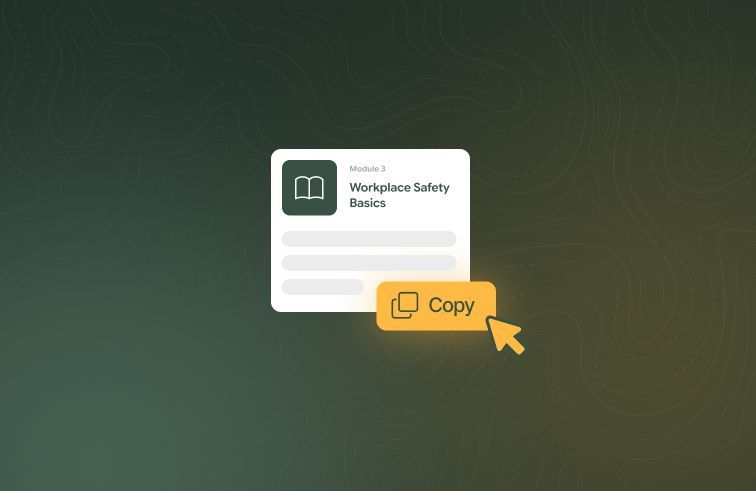
Copy a module or a whole course to get an editable version straight away. The original stays as it is, and student enrolments and progress aren't copied.
Archive courses and modules

Archive Slate courses and modules instead of deleting them. Existing classes and enrolments keep working, and Show archived brings them back into view.
Align and move images

Align images left, centre or right and drag them to a new spot in the activity. Students see the same layout you set.
Nested dot points

Lists can now go several levels deep. Press Tab to indent and Shift+Tab to bring a point back out.
Improvements
Students can change a saved quiz answer until they finish the quiz, and finishing is now a confirmed step.
Multiple choice questions can end with a fixed "All of the above" option that stays last when options are shuffled.
The LMS marking panel has Mark all Correct and Mark all Incorrect for unmarked questions.
The quiz question type picker groups types under Automatically marked and Trainer marked.
When a student doesn't pass a quiz, the bar at the bottom of the activity now offers Retry as the main action.
The Slate module editor has light dividers under the header and between the activity list and the detail panel.
The Slate Modules and Courses tables show 20 rows per page.
The last activity in online learning always shows how to finish, or that you have finished.
Slate course and module lists, the home page and the editor show who last edited each one.
Bug fixes
The Slate course editor no longer overflows off-screen when a quiz is open.
A skipped attempt question no longer blocks quiz completion.
Concurrent LMS progress updates for the same enrolment no longer time out or re-run marking.
An enrolment no longer completes while a quiz is still waiting to be marked.
Transferring a student to another class keeps their online learning enrolment and progress.
The markdown editor no longer marks a form as changed when it first loads.
The module editor no longer shows Unsaved changes when you open it without changing anything.